File Management Tips for Android Users
2 min read Practical file management tips for Android users to keep storage organized, improve performance, and access files easily. January 14, 2026 23:03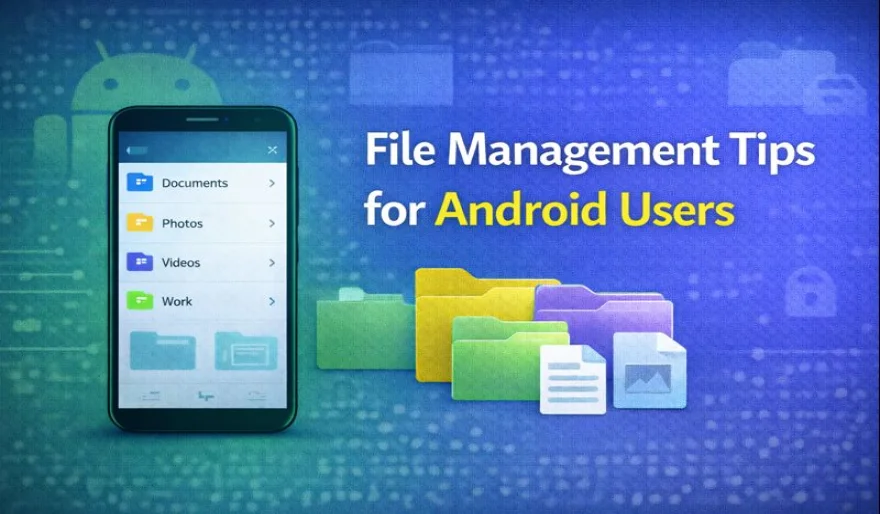
Managing files efficiently is essential for keeping an Android device organized and running smoothly. With proper file management habits, users can save storage space and access important files more easily.
One useful tip is to organize files into clearly labeled folders. Separating documents, images, videos, and downloads into dedicated folders helps reduce clutter and makes navigation faster.
Regularly reviewing downloaded files is another important practice. Many files such as PDFs, images, or installers are no longer needed after use. Deleting unnecessary downloads helps free up valuable storage space.
Using a reliable file manager application can improve control over stored content. These apps allow users to move, rename, and sort files more efficiently than basic file browsing tools.
Cloud storage can also help with file management. Uploading files that are not frequently used reduces local storage usage while keeping data accessible when needed.
Clearing cache files periodically can help maintain device performance. Cache data can accumulate over time and take up storage without providing long-term value.
Finally, setting aside time for routine maintenance ensures files remain organized. Simple habits such as monthly cleanups can prevent clutter from building up.
By following these file management tips, Android users can maintain a clean storage system and enjoy smoother device performance.
User Comments (0)
Popular Apps