How to Organize Files on Android Efficiently
2 min read Learn practical methods to organize files on Android efficiently and keep your device storage clean and easy to manage. January 14, 2026 21:03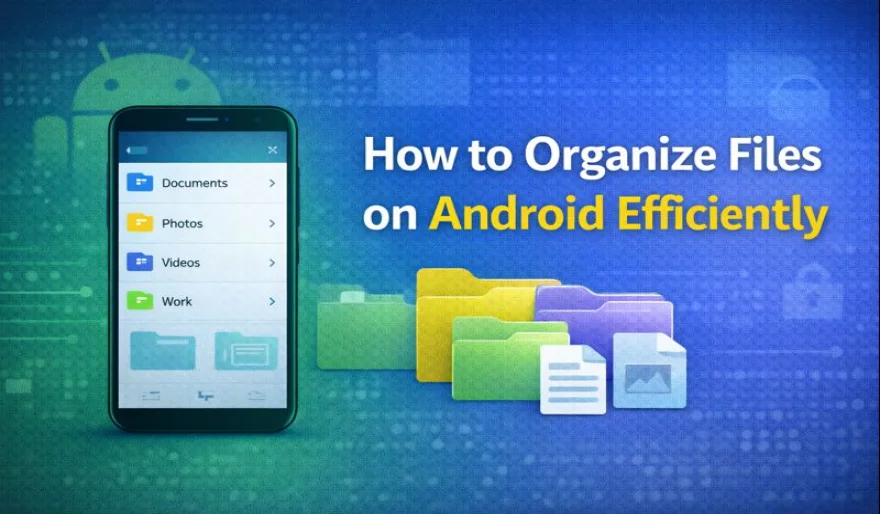
Managing files efficiently on an Android device helps improve performance and makes it easier to find important documents. With the right organization methods, users can keep their storage clean and avoid unnecessary clutter.
The first step to organizing files is reviewing existing content. Removing unused files such as old downloads, duplicate images, or temporary documents can free up storage space and simplify organization.
Creating folders is an effective way to categorize files. Users can organize documents by type, such as photos, videos, work files, and personal items. Clear folder names help make navigation faster and more intuitive.
Using a file manager application can improve control over stored content. These apps allow users to move, rename, and sort files efficiently, making organization easier than using default tools alone.
Cloud storage options also play a role in file organization. Moving less frequently used files to cloud services can reduce local storage usage while keeping important data accessible when needed.
Regular maintenance is important for keeping files organized. Setting aside time to review and clean storage helps prevent clutter from building up over time.
By following these simple practices, Android users can organize files efficiently and maintain a clean, well-structured device storage system.
User Comments (0)
Popular Apps